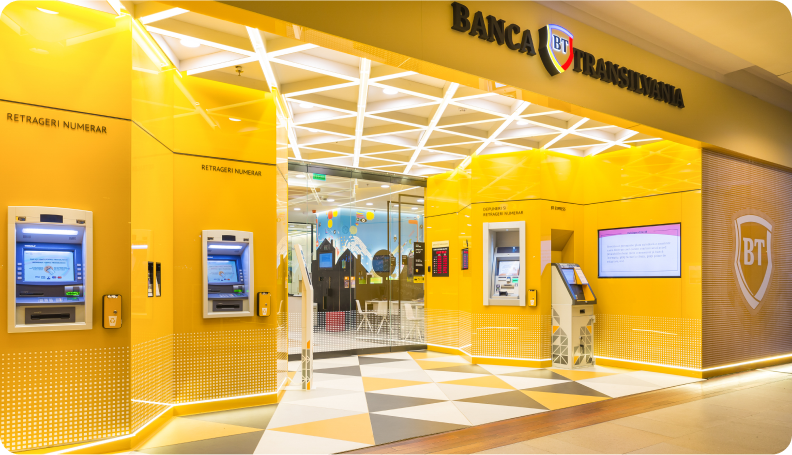
Did you know BT payment machines now have new, free features? Besides paying bills, you can now use them to deposit cash (lei, euros or dollars) into your account with us, or exchange currency.
Here are the steps to use the payment machine:
- Insert your BT card. No PIN required
- Choose the account you want to deposit into
- Insert the cash into the payment machine
- Complete the deposit
If you want to exchange currency and deposit it into your BT account, it’s simple:
- Insert your BT card
- Choose the currency
- Choose the account you want to deposit to
- Insert the cash into the payment machine
- Complete the deposit
At a BT payment machine you can also exchange currency from one BT account to another, like this:
- Insert your card. No PIN required
- Choose the account you’re exchanging from and the one where the exchanged funds will be deposited
- Enter the amount you want to exchange to move to another BT account
- Complete the currency exchange.
Because our bank has almost 550 payment machines – you’ll find them in our branches - you have just as many places where these digital options make life simpler and easier. We look forward to seeing you!