Pay with your phone in exactly 2 seconds — Unlock & Pay with BT Pay
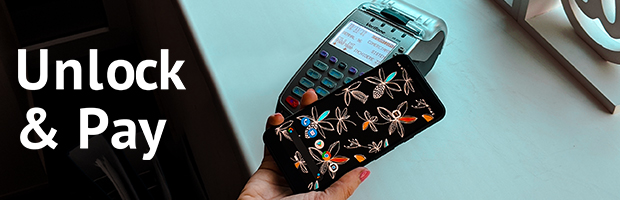
BT Pay is probably already your favorite banking app. And paying with your phone? That’s basically the new normal.
And because we want to make paying as easy and fast as possible, BT Pay comes with a new option: Unlock your phone & Pay. How? Yes, that simple?
Yes — all you need to do is unlock your phone, hold it near the POS and pay with your default payment card.

So what if you want to pay with a different card?
Open the app, select the card you want and hold it near the POS.
Oops — you guessed it — the 'Pay' button disappears :)
You can always choose the other way to pay, directly in the app. When you open BT Pay, authenticate using your phone’s unlock method, select the card you want and hold it near the POS. Tap & Pay.
⚡ Whichever method you choose, you’ll receive a notification with the payment details on your phone as soon as it’s completed.
So, how do you pay?
Don’t have BT Pay? Download the app now.