

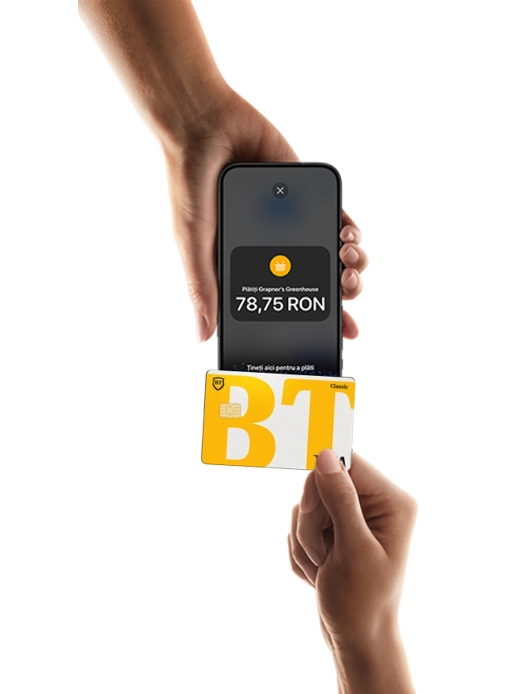
tap to pay on iPhone
Accept contactless payments on your own iPhone.
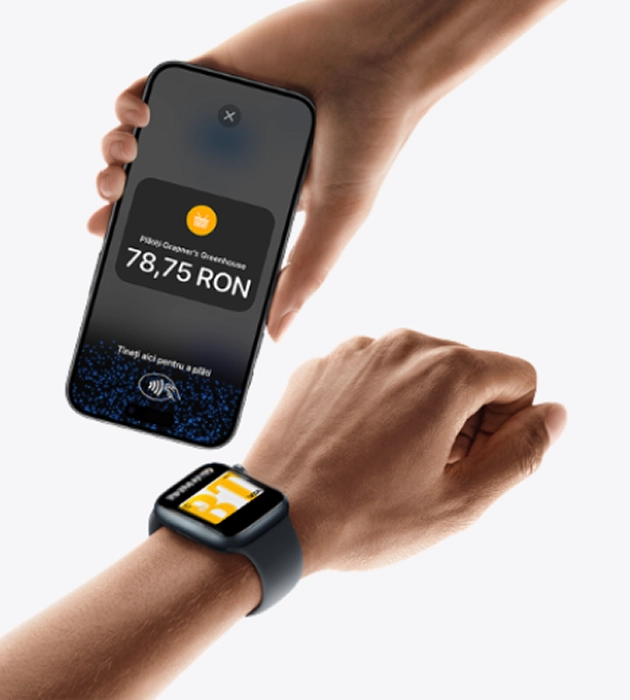
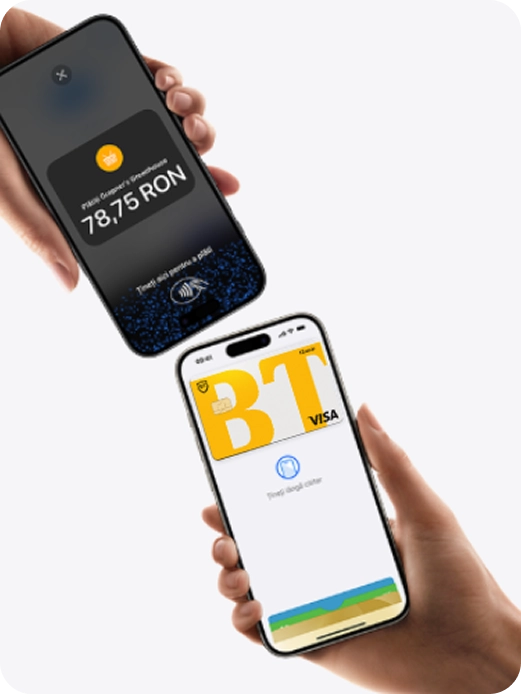
Tap to Pay functionality on iPhone is now available on the BT POS App. This means that anyone can accept all types of contactless payments – from physical debit and credit cards to Apple Pay and other digital wallets.
- Expand your world in which you do business.
- Without additional devices.
- Confidentiality and security are embedded.
- PIN protection during transactions.
Expand your business world
With Tap to Pay on iPhone, anyone can do business in multiple locations simply by accepting contactless payments directly on iPhone.
With the payment completion experience, it is easy to reach new customers, accept payments on the go, and explore new ways to streamline, such as taking orders from waiting customers.
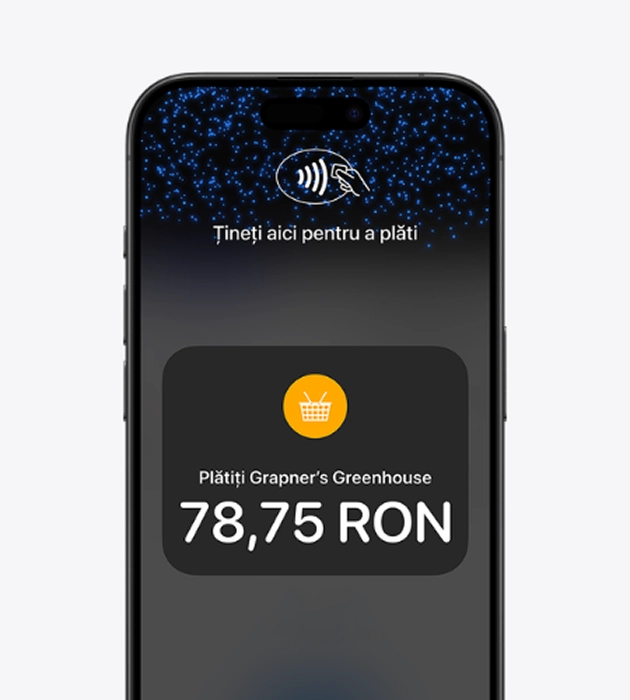
You only need an iPhone and the BT POS App.
No additional devices
- You do not need to invest in and manage card readers and terminals.
- With Tap to Pay on iPhone it is simple to start a new business or expand the current one.
- Only with an iPhone and the BT POS App, anyone can accept contactless payments. It is that simple.
Confidentiality and security are embedded
Tap to Pay on iPhone uses the iPhone's built-in security and privacy features to protect your business's and your customers' data.
When a payment is processed, Apple does not store card numbers or PIN information on the iPhone or on Apple servers.
Thus, both merchants and customers can be sure that their data remains theirs.
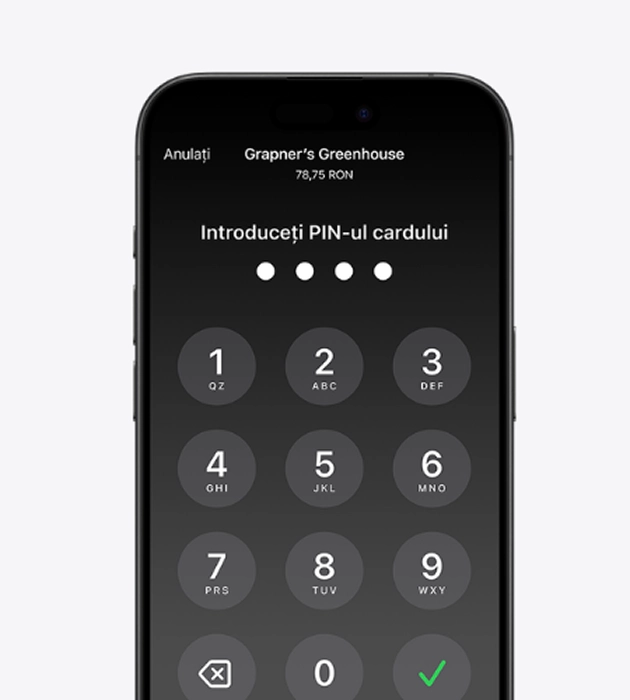
PIN Protection
in the time of
transactions
Transactions requiring the PIN code will automatically open a screen for PIN entry when using Tap to Pay on iPhone.
When that screen appears, Tap to Pay on iPhone is designed to prevent apps running in the background from reading sensors that could reveal any part of the PIN code.
During the processing of a payment, the Tap to Pay functionality on iPhone is designed to prevent all photo, video, screenshot, and screen recording functions on the merchant's iPhone from copying the customer's card number or PIN-related information.
Accessible for everyone
For customers who need visual or other assistance, Tap to Pay on iPhone includes accessibility options to help them enter their PIN information safely.
Audio instructions guide customers to write their PIN on the screen or tap on the screen to indicate each digit – one tap for 1, two for 2, and so on.
To send the PIN, you just need to swipe right with two fingers.

Start using Tap to Pay on iPhone
Use the BT POS App and accept contactless payments wherever you are. No extra devices, no hassle.